
As we approach the end of the academic year, we have two important steps we need seniors to take action on prior to graduation. Details are outlined below.
Google Takeout: June 1-30
To ensure graduating seniors have the digital resources they need prior to their accounts being disabled when they graduate, students are invited to participate in Google Takeout so they can transfer their files to a personal account. Google Takeout will be available June 1-30.
To participate in Google Takeout, you must first fill out this Google Form to opt in. Once you have filled out the opt-in form, please wait for an email from our technology department before proceeding with Google Takeout.
It is advised that you wait to complete the Google Takeout process until after all assignments are submitted, and you will no longer need access to your Google account for academic reasons.
To help prepare you for completing Google Takeout, we have compiled a collection of linked videos and documentation that will guide you through using Google Takeout. The provided resources include step-by-step instructions to make the process straightforward for you.
Google Takeout Step-By-Step Instructions
Google Takeout Instructional Video
Chromebook return: June 9 and 10
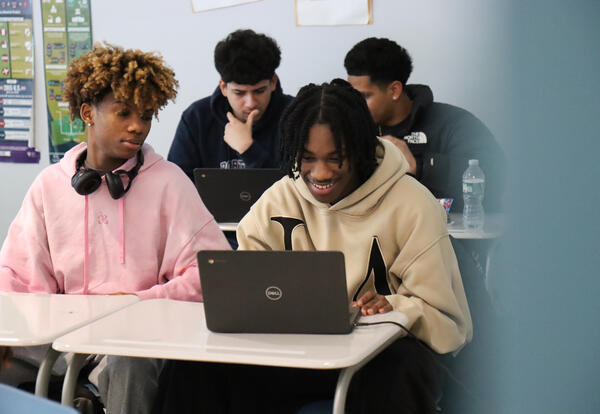
Chromebooks and hotspots will be collected on Tuesday, June 9 and Wednesday, June 10 during the distribution of caps and gowns. There will be a station to check in your Chromebook (and hot spot if you have one) prior to picking up your cap and gown.
If you need your Chromebook to complete assignments past June 9 and 10, a staff member will be available to assist you with requesting an extension prior to picking up your cap and gown.
As a reminder, please also bring any other school property that needs to be returned, such as library books, textbooks and athletic equipment and uniforms on June 9 and 10.
Seniors, we look forward to celebrating your graduation on Sunday, June 28!